
Подставка для микроскопа из алюминиевого сплава с USB-разъемом | Инструменты
4 445,76 руб.


Новое поступление

Магазина Eakins Repair Tools Store работает с 26.07.2016. его рейтинг составлет 95.4 баллов из 100. В избранное добавили 3301 покупателя. Средний рейтинг торваров продавца 4.8 в продаже представленно 1047 наименований товаров, успешно доставлено 7786 заказов. 2542 покупателей оставили отзывы о продавце.
Характеристики
*Текущая стоимость US $125.55 - 165.24 уже могла изменится. Что бы узнать актуальную цену и проверить наличие товара, нажмите "Добавить в корзину"
| Месяц | Минимальная цена | Макс. стоимость | Цена |
|---|---|---|---|
| Feb-18-2026 | 159.71 руб. | 162.77 руб. | 160.5 руб. |
| Jan-18-2026 | 129.59 руб. | 132.80 руб. | 130.5 руб. |
| Dec-18-2025 | 156.57 руб. | 159.61 руб. | 157.5 руб. |
| Nov-18-2025 | 155.54 руб. | 158.36 руб. | 156.5 руб. |
| Oct-18-2025 | 124.44 руб. | 126.64 руб. | 125 руб. |
| Sep-18-2025 | 153.81 руб. | 156.57 руб. | 154.5 руб. |
| Aug-18-2025 | 151.61 руб. | 154.68 руб. | 152.5 руб. |
| Jul-18-2025 | 150.74 руб. | 153.10 руб. | 151.5 руб. |
Описание товара
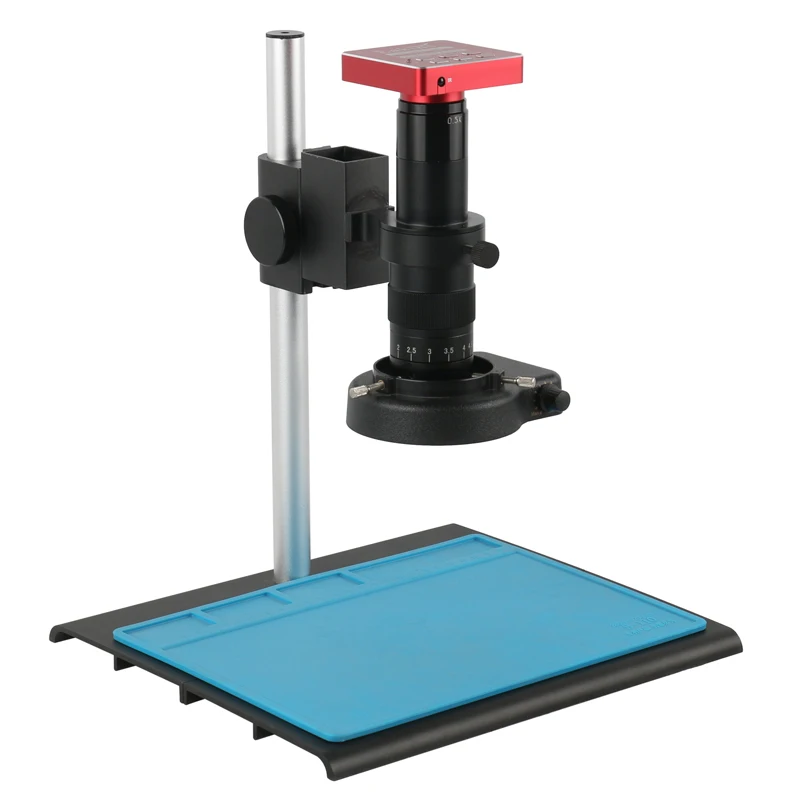
Zoom c-mount Lens
0.5X C-mount adapter
Zoom ratios: 6.5:1
Objective Magnification Power by 0.7 - 4.5X(about 10 - 180X on the display)
Size: 180mm(L) * 50mm(DIA) 300X C-MOUNT LensWorking distance: 95mm
Zoom c-mount Lens
1X C-mount adapter
Zoom ratios: 6.5:1
Objective Magnification Power by 0.7 - 4.5X(about 10 - 300X on the display)
Size: 248mm(L) * 50mm(DIA) 56 LED Adjustable Compact Microscope Ring Light
Provides intense and focused shadow-free illumination
56 bright white LED bulbs
Lighting direction changeable
Variable intensity control
Intense and focused shadow-free illumination
100,000 hours of life
Power input: 100-240V, 50-60HZ, auto switching
Inside diameter of the ring light: 1.0" (27mm)
Overall outside diameter: 1.77" (45mm)
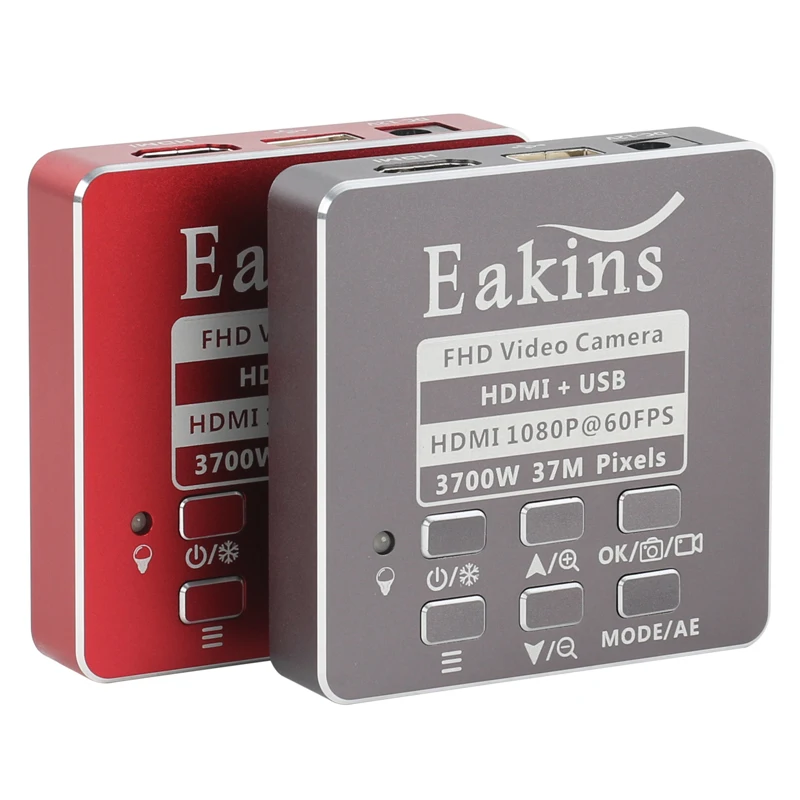
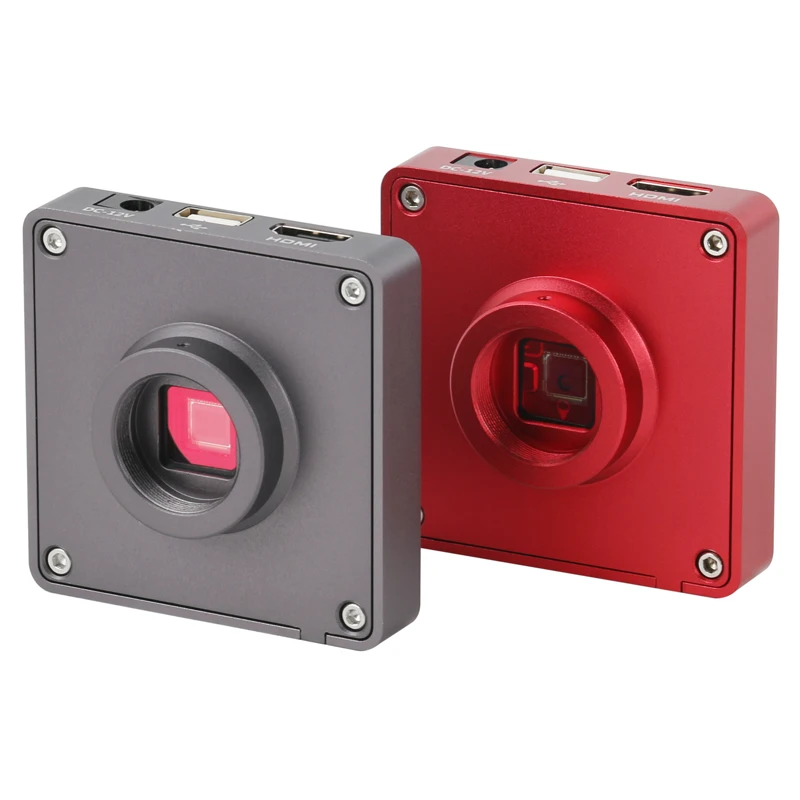
Working Distance: 27mm-160mm 180x 300x Feature:Working distance: 95mmzoom c-mount Lens0.5X/1X/0.35X C-mount adapterzoom ratios: 6.5:1Objective Magnification Power by 0.7 - 4.5X(about 10 - 120X 180X or 300X on the display)Size: 168mm(L) * 50mm(DIA)200X 500X Feature:200X Working distance:100mm -175mm500X Working distance:90mm -120mm 100X Feature:Zoom c-mount LensMagnification Power by 0.12 - 2X (about 8X - 100X on the display)Work distance: 40-265mmVisual field :2.4mm-32mmSize: 115mm(L) * 40mm(DIA)Weight: 210gPackage including: 1 x Microscope Camera1 x Power supply(AU/EU)1 x USB cable1 x HDMI cable1 x Software DISC1 x Remote control1 x 8G TF Card1 x Table Stand
1 x C-MOUNT Lens(180X Or 300X Or 200X Or 500X Or 100X )
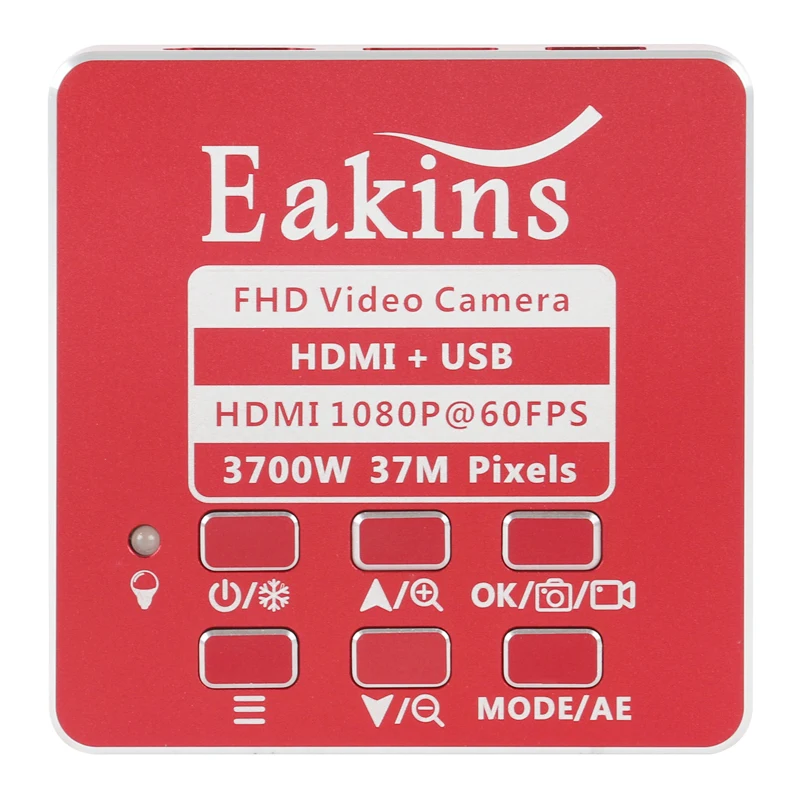
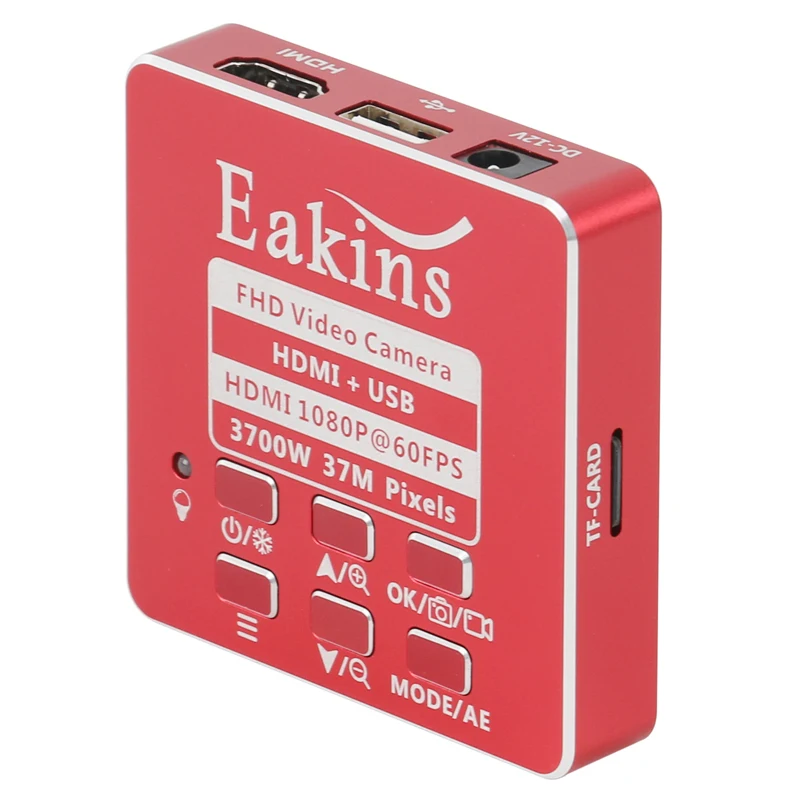
1 x 56 LED Ring Light1 x Work mat 1.HDMI connection monitor or UVC link computer, plug in 12V power supply2.Lightly press the switch key, when the LED light changes from red light to blue light,the camera is running, waiting for the display to show3.Tap the main function key to bring up the setup menu.4.Tap the left button or right button to jump to the recording function, tap the rightbutton again to start recording, and tap the left button again to browse the stored picture.5.Tap the white balance button to adjust the white balance automatically with one button.6.Tap the zoom button to enlarge the image in the screen.7.Tap the zoom out button to reduce the image in the picture.8.When the camera is running, press the freeze button to freeze the screen.9.Press and hold the key to turn the camera off 




Смотрите так же другие товары:


